
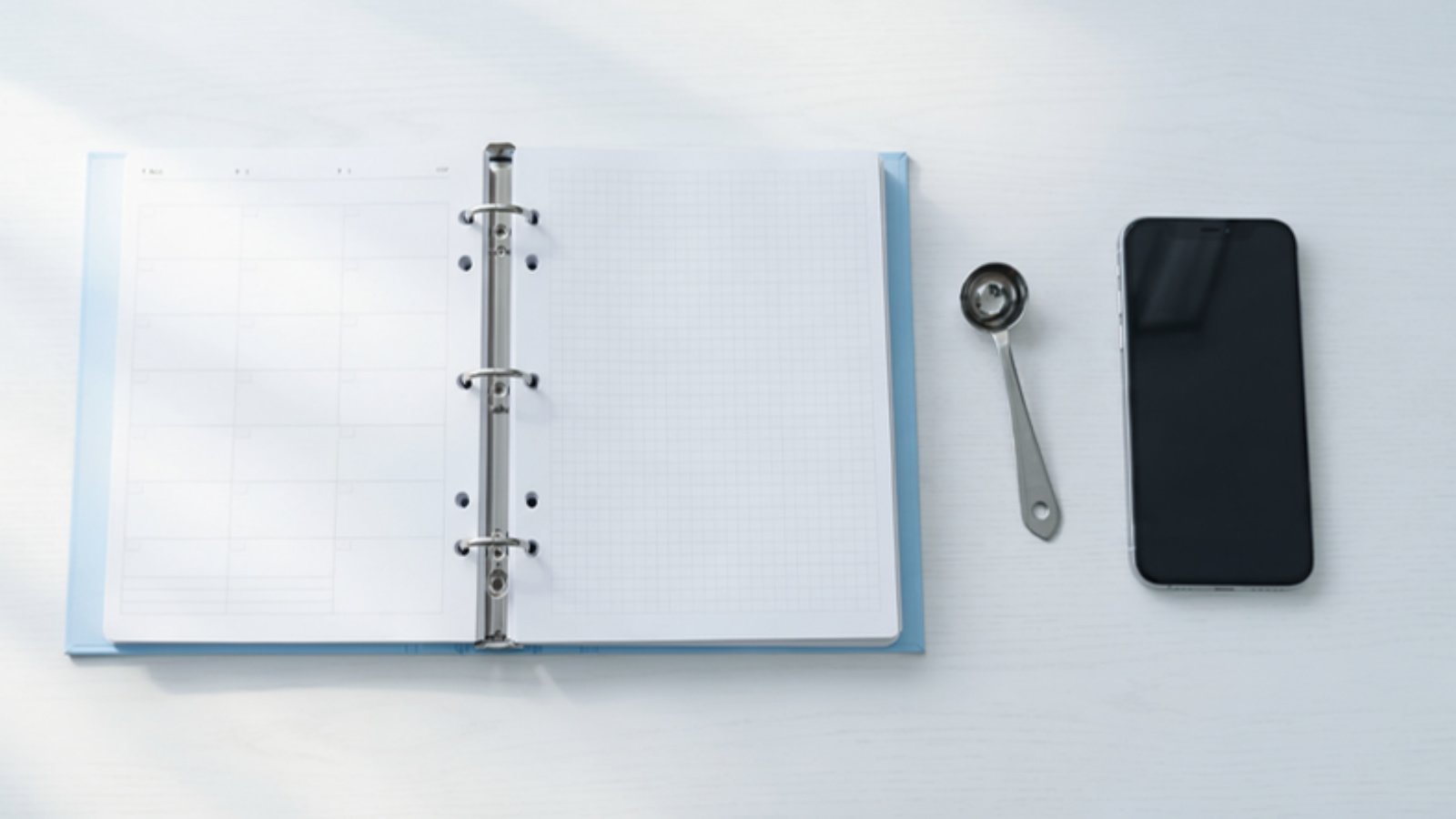
A paper OIT binder works when your clinic reads it carefully at every visit. An OIT app connected to your clinic adds automatic time stamps, a login for every caregiver, and a record your care team can review between visits. The best choice is the one your allergist’s program uses, so start there.
My daughter’s dose is in the afternoon. Some days I logged it on our paper sheet right away; other days I filled it in from memory that evening, and that’s where details slipped.
Here is an honest side-by-side of paper and an app, what to record with either one, and how to move off paper if your clinic is open to it.
New to OIT? Start with our complete guide to oral immunotherapy.
Paper OIT Binder vs. OIT App: Side by Side
| What families need | Paper binder | Clinic-connected OIT app |
|---|---|---|
| When each dose was logged | A handwritten date, often filled in later | An automatic time stamp on every entry |
| What your allergist sees between visits | Nothing until you hand over the pages | Your logged doses, pause days and symptoms on the clinic’s dashboard |
| More than one caregiver | Whoever has the binder that day | Each caregiver logs in with their own access level |
| Symptoms and notes | Added when someone remembers | Recorded with the dose |
| Clinic visits and pause days | A note in the margin | Tagged as Clinic Visit / Pause Day |
| Travel or no signal | Works anywhere, if you packed it | Logs offline on Android and syncs later |
| Schedule changes | A new sheet from the clinic | The clinic updates the schedule, with clinician sign-off |
| What it needs | A pen and a binder | A clinic that uses the app, plus a phone or web browser |
When a Paper Binder Is the Right Choice
If your clinic gave you a paper log, use it, and use it well. A paper log your allergist reads beats an app they never see.
- Your clinic runs on paper. An app only helps your care team if the clinic is connected to it.
- You log right after each dose. Paper is most accurate when it is filled in on the spot, not from memory later.
- One caregiver handles every dose. Paper gets harder when doses happen at two homes or with grandparents.
Our guide to OIT at home and the paper binder covers what daily logging on paper really feels like.
What to Record for Your Allergist, Paper or App
Whichever you use, a useful OIT log answers the same questions. Follow your clinic’s own log first; this list covers what most care teams want to see.
- The dose, taken as prescribed: the amount your clinic set, exactly as written on your schedule.
- The time: when the dose was taken, logged right away if you can.
- The observation and rest period: that you followed the waiting and rest guidance your allergist gave you.
- Any symptoms, with the time they started: what you saw and how long it lasted.
- Any rescue medication: what was given and when.
- Clinic visits and paused days: including any day your allergist told you to hold a dose.
- Anything your clinic asks you to note: such as illness, as your care team’s instructions describe.
Then bring it to every visit, or share it with your care team the way your clinic asks. The log is for your allergist’s decisions; never change, skip or add a dose based on it. Call your allergist with any question about a dose or symptom.
What Paper Can’t Do: 5 Features to Look for in an OIT App
If you are comparing apps, these are the features that close the gaps a paper binder leaves.
- A schedule set by your clinic, with clinician sign-off. You shouldn’t be typing dose amounts into a phone yourself.
- Automatic time stamps. The record shows when each entry was actually made.
- A record your care team can review between visits. Not just a printout at the next appointment.
- Logins for every caregiver. Parents, grandparents and other caregivers each log under their own access.
- Logging without signal. Doses on a plane or in a dead zone still get recorded.
For the full checklist, read how to choose an OIT tracking app: 8 questions.
How Clinical Allergy Guard™ Handles the Same Log
Clinical Allergy Guard is the OIT tracking app my family uses. Here is how it covers the same ground as the binder.
- Your clinic builds the dosing schedule from its own protocol, and a clinician signs off before it goes live. If your allergist changes a dose between visits, the updated schedule comes from the clinic the same way.
- Families log each dose in a few taps, with symptoms, rescue medication and notes. Days can be tagged Clinic Visit / Pause Day.
- Post-dose observation and rest timers start right after a dose is logged.
- The clinic reviews your logs on its dashboard between visits, and entries with a logged symptom are sorted to the top for the care team to review.
- Each caregiver gets their own login and access level, including view-only, set by the primary caregiver.
- The Android app logs offline and syncs when you are back online. The app also works in any web browser, with Large Text Mode and plain-language dose labels.
- Data is encrypted in transit and at rest. Clinical Allergy Guard is HIPAA-aligned administrative tracking software, not a medical device, so it never makes dosing decisions.
Daily logging is gamified to make it easier for kids to stay consistent, but the plan always stays with your allergist. See the full feature list on the OIT tracking app page.
Moving From Paper to an App
Keep your paper log until your clinic switches you over, so your record never has a gap. Your clinic has to be on Clinical Allergy Guard for your logs to reach them.
Our post on how to ask your allergist to switch from a paper OIT log walks through the conversation, and the ask your allergist page has a one-page brief you can hand to your care team.
For the Allergists and Lead Nurses Reading This
Families are weighing paper against apps on their own. For the clinic-side comparison, including research on how paper diaries get filled in later, see OIT dosing log: paper vs. digital for allergy clinics and how Clinical Allergy Guard OIT software works for your program.
A Quick Safety Note
This post is educational, not medical advice. Follow your allergist’s instructions for every dose, missed dose and symptom.
For a severe reaction, follow your emergency action plan: give epinephrine and call 911.
Paper OIT Binder vs. App: Quick Answers
Yes, if your clinic uses it and you fill it in right after each dose. Paper is weakest when entries are added later from memory or when several caregivers share one binder.
A paper binder is seen at your next appointment. A clinic-connected OIT app adds automatic time stamps, a login for each caregiver, and a record your care team can review between visits.
Use the log your clinic gives you, paper or app. Record each dose as prescribed, the time, the observation and rest period, any symptoms with their start time, any rescue medication, and clinic visits or paused days. With Clinical Allergy Guard, the clinic reviews those entries on its dashboard between visits.
Only if the app is connected to your clinic. With Clinical Allergy Guard, your clinic reviews logged doses, pause days and symptoms on its dashboard, and entries with a symptom are sorted to the top for review.
Keep using your clinic’s paper log for now. Ask your allergist whether the clinic uses or would consider an app, because your logs only reach your care team if the clinic is connected.